1: Opening the App
1.A user is required to have a working Dhis2 account.
- Log in to the Dhis2 website.
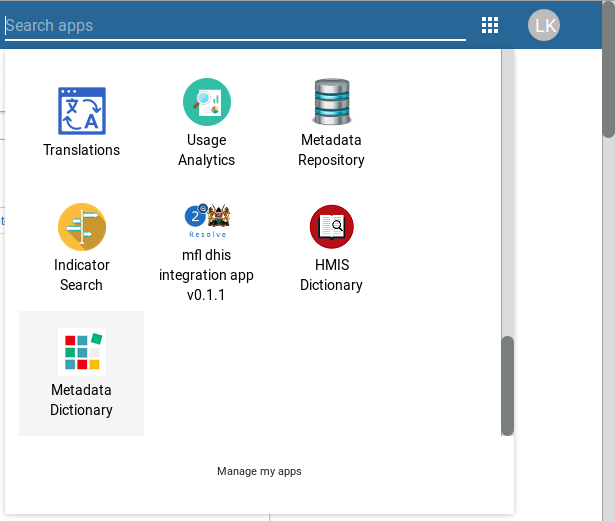
3.After a successful log in, on the top-right corner of the Dashboard locate the search bar and type in Metadata app or scroll down the listings to find the app(Metadata App).
- The image below extracted from a Dhis2 instance shows a way to go through to achieve the above.
- The above shows a list of the installed DHIS2 instance applications. From the list the Metadata app can be found.