6: Searching
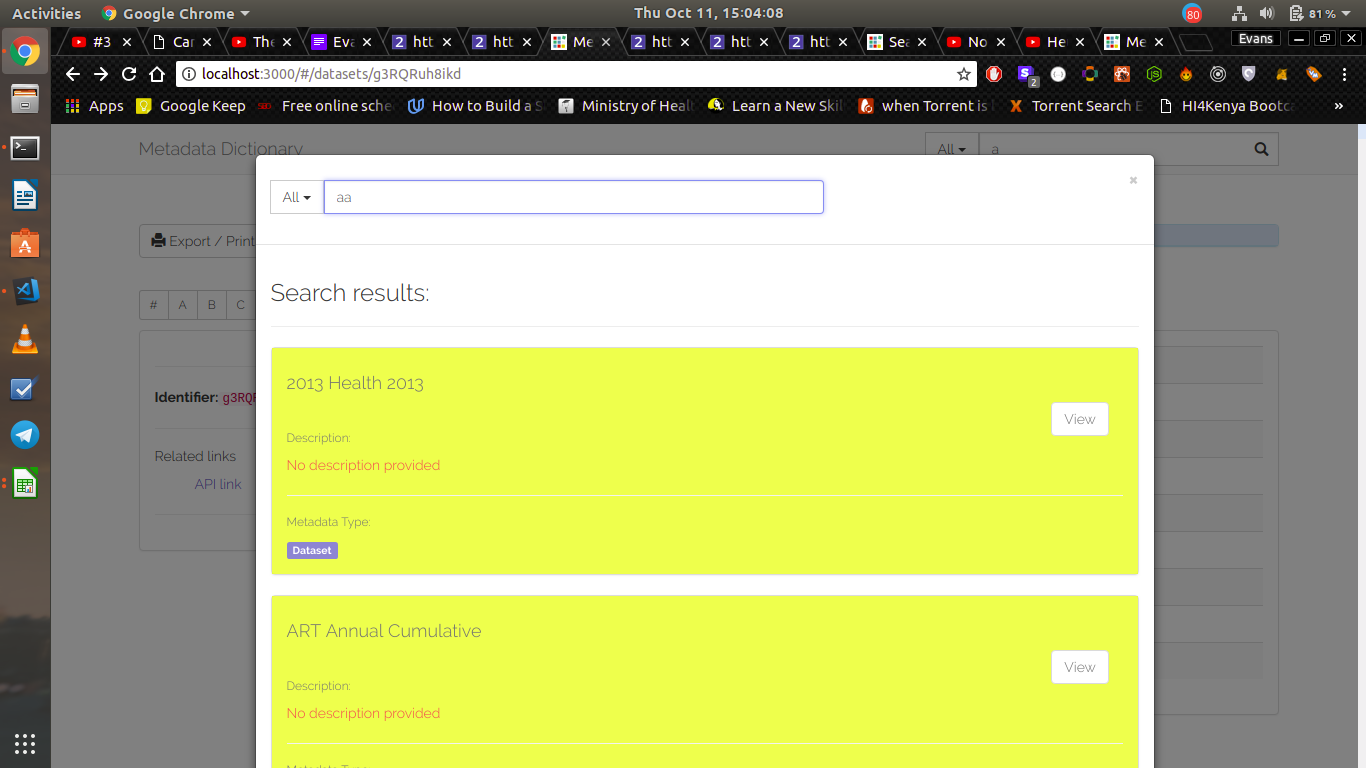
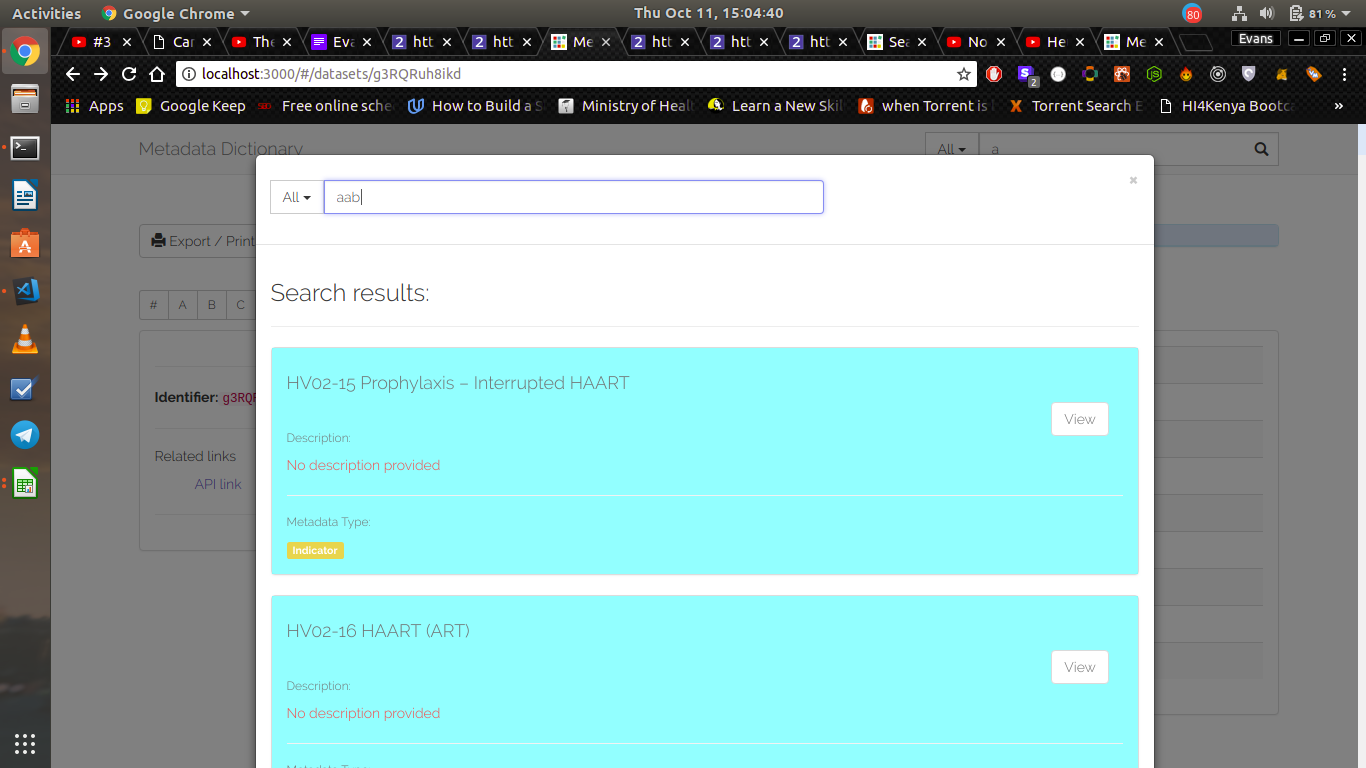
The search button (located in the top right of the navigation bar)allows the users to search through all indicators, datasets, dataelements and programs in the dhis2 instance.

To use the global search feature the user simply types on the input field which would activate a dynamic search
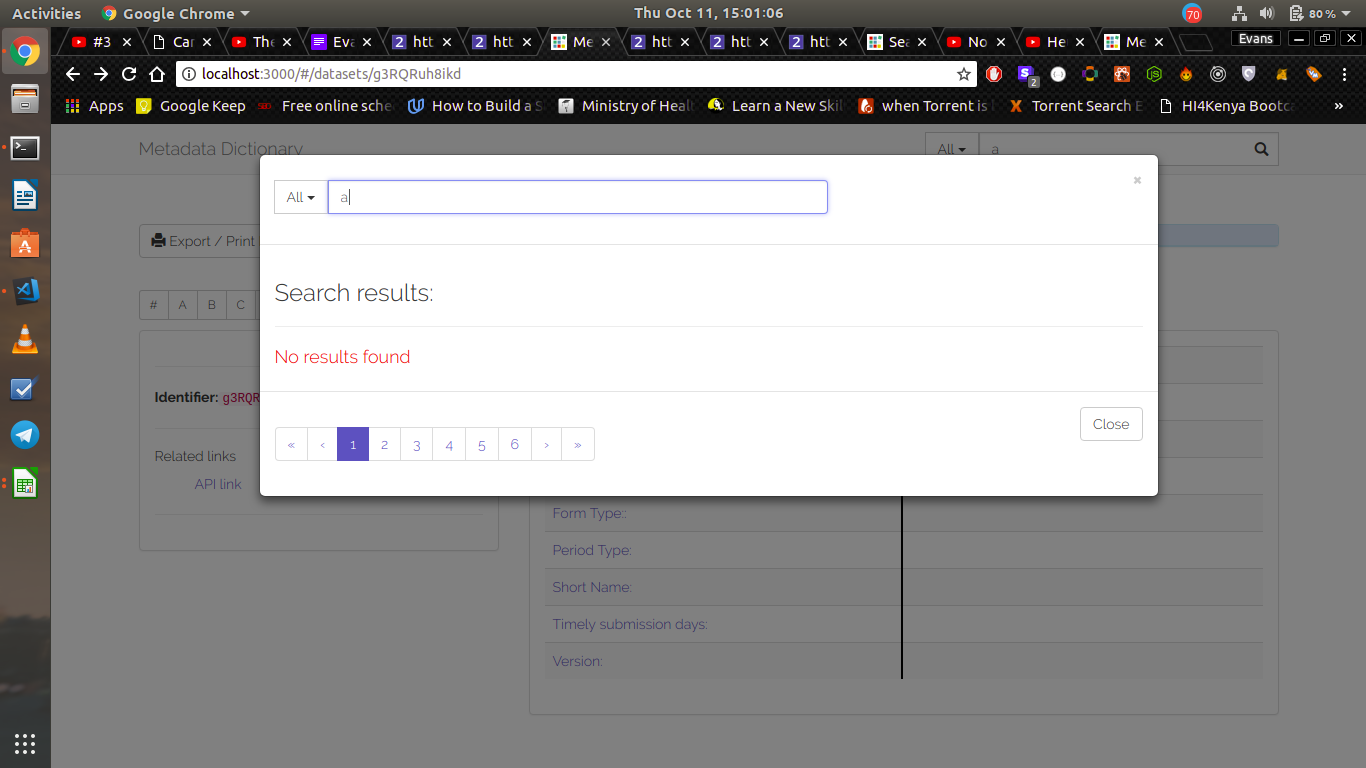
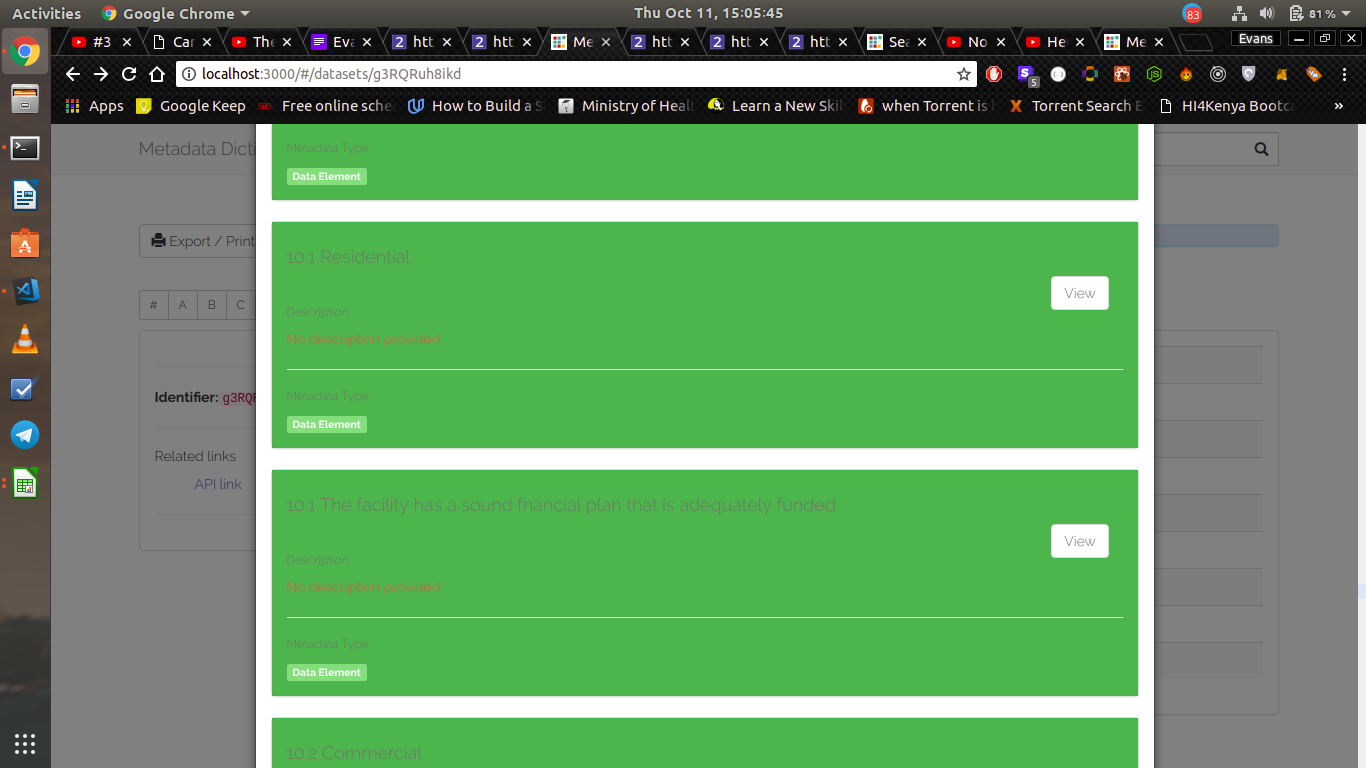
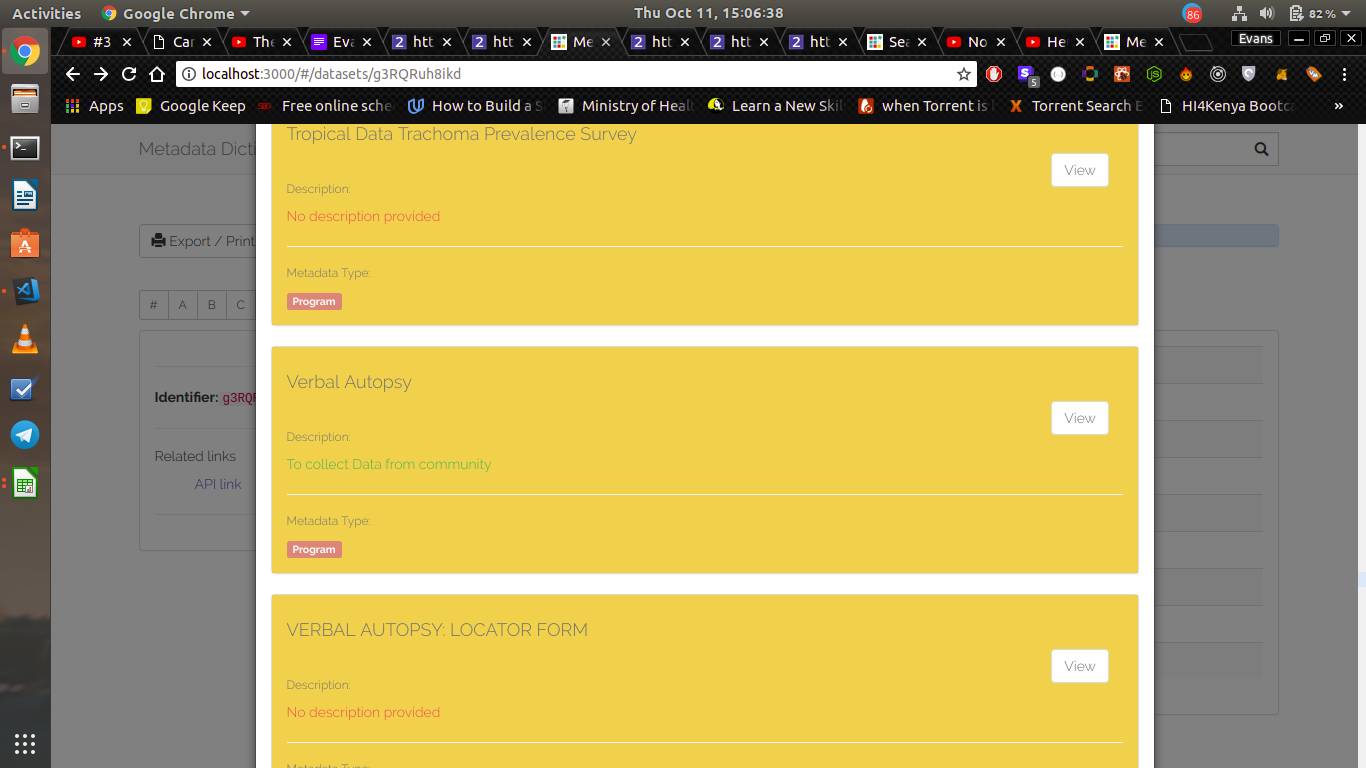
on displaying the results, different colors represent different metadata for example data sets => yellow , indicators => aqua , data Elements => green, programs => orange