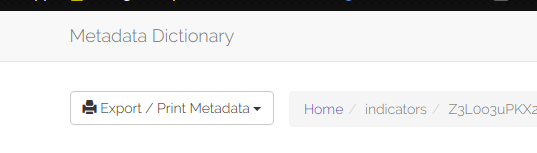
5: Exporting Data to local storage
in the Metadata App, data can be exported in 2 places/different forms
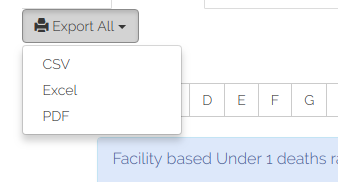
- the export all feature located at the landing page, which allows the user to download all of the selected category in one of three formats as shown below
2) the second export feature is local to the data and allows the user to download specific data about 1 piece of data, this can also be done in two ways
- after clicking on one of the data accordions some more functionality appears as shown below
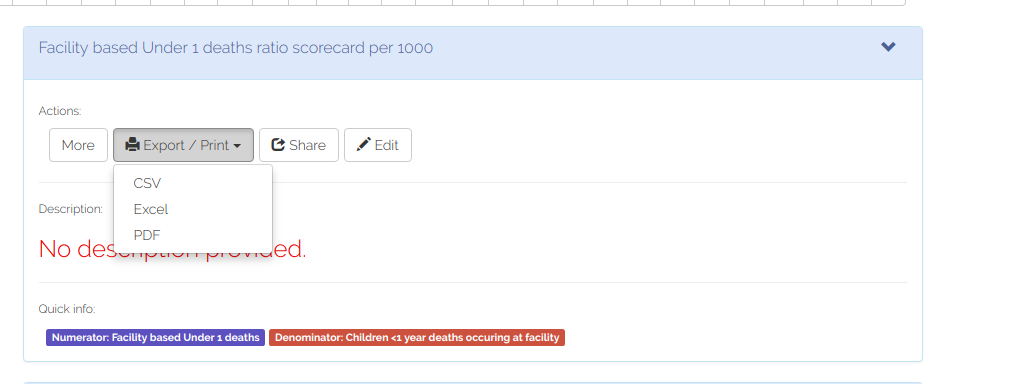
ii)the second is on the top right of the details page